
9 Essential Tools to Grow Your Agency or SaaS Business
Finding the right software is essential for scaling a modern agency or SaaS company. With countless options available, identifying the best tools to grow your business can feel overwhelming. The right technology stack streamlines operations, automates repetitive work, and provides the data you need to make informed decisions. It helps you focus on high-impact activities instead of getting stuck managing manual processes. A carefully selected set of platforms can be the difference between stagnation and sustainable growth.
What to Look for in Tools for Growth
Effective growth requires more than just adding software; it demands a strategic selection of tools that integrate well and solve specific problems. When evaluating options, prioritize platforms that align with your core business objectives. The right technology stack automates repetitive tasks, provides clear data for decision-making, and supports collaboration across your team. According to industry experts, a well-rounded toolkit should cover everything from productivity and project management to marketing and sales. Focus on solutions that scale with your business, offer excellent support, and have a clear return on investment. This approach ensures your toolkit actively contributes to your expansion instead of creating new bottlenecks.
Consider the following criteria when making your choice:
- Integration Capabilities: Does the tool connect easily with your existing software? A platform that works well with others prevents data silos and creates a more efficient workflow.
- Scalability: Will the tool support your business as it grows? Look for flexible pricing plans and features that can accommodate a larger team and increased workload.
- User Experience (UX): Is the tool intuitive and easy for your team to adopt? A complicated interface can lead to low adoption rates, defeating the purpose of the investment.
- Customer Support: What level of support is available? Reliable customer service is critical when you encounter issues that could disrupt your operations.
Ascend: Automated Content Tools to Grow Your Blog
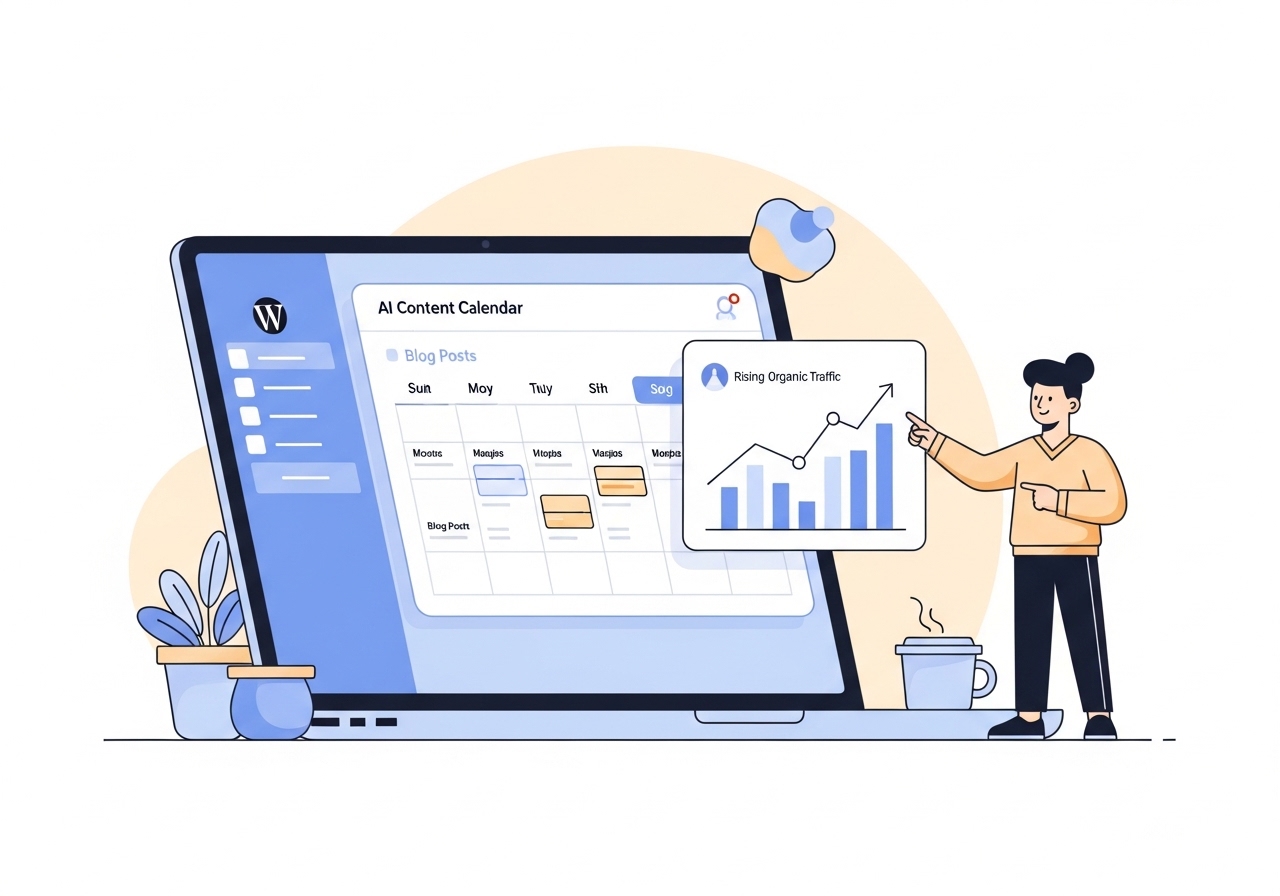
Ascend is an AI-powered content automation tool built directly into WordPress. It manages the entire content lifecycle from keyword research and calendar creation to writing and publishing daily, on-brand blog posts. This makes it ideal for teams looking to scale organic traffic efficiently without dedicating hundreds of hours to manual content production. By automating the most time-consuming parts of content marketing, Ascend allows agencies and SaaS companies to maintain a consistent publishing schedule, which is a key factor in improving search engine rankings.
Key Features of Ascend
- Automated Keyword Research: Ascend analyzes your brand, audience, and competitors to identify relevant keywords with high traffic potential.
- 30-Day Content Calendar: It generates a complete content plan and schedules posts, removing the need for manual topic brainstorming and organization.
- AI-Powered Content Creation: The platform writes high-quality, SEO-optimized articles daily, complete with on-brand images and internal links.
- Native WordPress Integration: Everything is managed from your WordPress dashboard, creating a simple and familiar user experience.
Who It’s Best For
Ascend is built for marketing agencies, SaaS companies, and other businesses that rely on organic traffic for growth but lack the resources for a large content team. It’s particularly useful for those who understand the value of a consistent blogging practice but struggle with the execution. By automating the process, it frees up your team to focus on strategy and client relationships. This approach aligns perfectly with modern strategies for leveraging AI for SEO services.
Ahrefs
Ahrefs is a comprehensive SEO platform used for keyword research, competitor analysis, backlink tracking, and site audits. It is widely regarded as an industry-standard tool for digital marketers who need reliable data to inform their strategies. The platform’s extensive database of keywords and backlinks provides deep insights into what is working for your competitors and where new opportunities exist. For agencies and in-house marketing teams, this data is critical for building campaigns that drive measurable results.
Key Features of Ahrefs
- Site Explorer: Analyze any website’s backlink profile, organic traffic, and top keywords.
- Keywords Explorer: Discover thousands of keyword ideas, analyze their ranking difficulty, and calculate their traffic potential.
- Site Audit: Crawl your website to detect common SEO issues and get recommendations for fixing them.
- Rank Tracker: Monitor your keyword rankings over time and compare your performance against competitors.
Who It’s Best For
Ahrefs is designed for SEO professionals, content marketers, and digital agencies that require in-depth data for strategic planning. While it has a steeper learning curve than some other tools, the quality of its data and the breadth of its features make it an essential part of any serious SEO toolkit. It’s especially valuable for competitive industries where understanding the search landscape is key to success.
HubSpot
HubSpot offers a full suite of software for marketing, sales, and customer service, with a free CRM at its core. It helps businesses attract leads, close deals, and manage customer relationships in one integrated platform. Its all-in-one nature is its biggest strength, as it eliminates the need to piece together multiple, disconnected tools. This centralization provides a single source of truth for all customer interactions, from the first marketing touchpoint to ongoing customer support.
Key Features of HubSpot
- Marketing Hub: Tools for lead generation, marketing automation, and analytics.
- Sales Hub: Features for email tracking, meeting scheduling, and sales pipeline management.
- Service Hub: Tools for customer feedback, knowledge base creation, and help desk automation.
- Free CRM: A central database to organize and track all your contacts and customer data.
Who It’s Best For
HubSpot is an excellent choice for businesses of all sizes that are looking for an integrated platform to manage their entire customer lifecycle. It is particularly popular with companies that are serious about inbound marketing and want to align their sales and marketing teams. The free CRM is a great starting point for startups, while the paid hubs offer advanced functionality for scaling companies that need sophisticated tools for effective marketing management.
Figma
Figma is a collaborative design tool that allows teams to create, prototype, and share user interfaces and other digital designs in real-time. It operates directly in the browser, which removes the friction of installing software and managing files. This cloud-based approach makes it incredibly easy for designers, product managers, developers, and marketers to work together on the same project from anywhere in the world. Its real-time collaboration features are a significant advantage for fast-moving teams.
Key Features of Figma
- Real-Time Collaboration: Multiple users can work on the same file simultaneously.
- Prototyping: Create interactive and animated prototypes to simulate user flows.
- Component Libraries: Build reusable design components to ensure consistency across all projects.
- Developer Handoff: Automatically generates code snippets and design specs for developers.
Who It’s Best For
Figma is essential for product teams, UI/UX designers, and marketing departments that produce a high volume of visual assets. Its collaborative nature makes it perfect for agencies working with clients and for internal teams that require frequent feedback and iteration. Anyone who needs to create websites, mobile apps, or marketing materials will find Figma to be a powerful and efficient tool.
Slack
Slack is a channel-based messaging platform that organizes team communication and replaces lengthy email chains. By creating dedicated channels for different projects, teams, or topics, it keeps conversations focused and easy to find. Its integrations with other business tools make it a central hub for collaboration and project updates. Notifications from tools like Asana, Google Drive, and Salesforce can be piped directly into relevant Slack channels, giving everyone visibility into ongoing work.
Key Features of Slack
- Channels: Organize conversations around specific topics, projects, or teams.
- Integrations: Connect with thousands of other apps to bring your work into one place.
- Searchable History: Easily find past conversations, files, and decisions.
- Huddles and Clips: Tools for quick audio conversations and short video or audio recordings.
Who It’s Best For
Slack is a foundational tool for nearly any modern business, especially those with remote or hybrid teams. It improves transparency and reduces reliance on email for internal communication. Agencies managing multiple client projects and SaaS companies with cross-functional teams will find its organizational structure invaluable for keeping everyone aligned.
Asana
Asana is a project management tool that helps teams organize, track, and manage their work. From small projects to large strategic initiatives, it provides clarity on tasks, deadlines, and responsibilities. The platform is highly visual, with options for list, board, timeline, and calendar views, allowing team members to see project information in the format that works best for them. This flexibility is vital for managing the complex workflows common in agencies and software development.

Key Features of Asana
- Multiple Project Views: View projects as lists, Kanban boards, Gantt charts (Timeline), or calendars.
- Task Management: Assign tasks, set due dates, add attachments, and create subtasks.
- Automation: Create rules to automate routine tasks, such as assigning work or moving tasks between project stages.
- Reporting Dashboards: Build real-time charts to track project progress and team workload.
Who It’s Best For
Asana is ideal for teams that need a powerful yet user-friendly tool to manage their projects. Marketing agencies can use it to manage client campaigns, content calendars, and creative production. SaaS companies can use it to manage product roadmaps, engineering sprints, and go-to-market plans. Its ability to provide a high-level overview while still tracking granular details makes it a versatile choice.
Zapier
Zapier is an automation tool that connects different web applications, allowing you to create automated workflows without writing any code. It supports thousands of apps, making it possible to connect almost any part of your tech stack. These automated workflows, called “Zaps,” are based on triggers and actions. For example, when a new lead comes in through a form (trigger), a Zap can automatically add them to your CRM, notify your sales team in Slack, and subscribe them to an email list (actions).
Key Features of Zapier
- Massive App Library: Connects with over 5,000 applications.
- No-Code Workflow Builder: Create multi-step automations with a simple, visual interface.
- Filters and Formatters: Add logic to your Zaps to ensure they only run when specific conditions are met.
- Pre-Built Templates: Get started quickly with templates for common automation scenarios.
Who It’s Best For
Zapier is for anyone who wants to save time by eliminating manual, repetitive tasks. Marketing teams can automate lead management, social media posting, and reporting. Operations teams can automate data entry and internal notifications. According to reports from industry leaders, automation is a key driver for startup growth. Because it requires no coding knowledge, it empowers non-technical team members to build powerful automations.
Loom
Loom is a video messaging tool that lets you record your screen, camera, and microphone to create instantly shareable videos. It is designed to make communication faster and clearer than typing out a long email or scheduling a meeting. After recording, Loom generates a link that you can share with anyone. This is perfect for providing feedback, explaining complex topics, and improving asynchronous communication, especially for remote and distributed teams.
Key Features of Loom
- Screen and Camera Recording: Record your screen, your camera, or both at the same time.
- Instant Sharing: Get a shareable link as soon as you finish recording.
- Viewer Insights: See who has watched your video and how much they watched.
- Interactive Features: Viewers can leave comments and emoji reactions on the video timeline.
Who It’s Best For
Loom is incredibly useful for remote and hybrid teams that need to communicate effectively across time zones. Agencies can use it to send clients project updates or provide feedback on creative work. SaaS companies can use it for internal training, bug reports, and product demos. It is an excellent tool for any situation where showing is better than telling.
Building a powerful, efficient tech stack is fundamental to scaling your business. While tools for project management, communication, and design are essential, consistent content remains one of the most effective drivers of long-term organic growth. Ascend automates your entire content strategy, from keyword research to daily publishing, right inside WordPress. Stop spending hours on manual content creation and start growing on autopilot. Discover how Ascend can transform your content marketing today.
Written by
Ascend
Ascend is an automated SEO engine for WordPress. It handles keyword research, writes high-quality, search-optimized content, and publishes it directly to your site, so your traffic can grow on autopilot. Learn more