
What Is a Marketing Calendar and How Do You Build One?
A marketing calendar is a strategic document that provides a visual roadmap for planning, scheduling, and organizing all marketing activities over a specific period. It acts as a central source of truth for your entire team, ensuring campaigns are coordinated, content is published consistently, and strategic goals are met. Without one, teams often work in silos, leading to missed opportunities and inconsistent brand messaging. By mapping out everything from blog posts and social media updates to product launches and email campaigns, a well-structured calendar turns strategy into an actionable plan.
What Is a Marketing Calendar?
At its core, a marketing calendar is a detailed schedule of all your promotional efforts. Think of it as the master blueprint for your marketing department. It specifies what you’re doing, when you’re doing it, and which channels you’re using. According to industry platform Airtable, a marketing calendar is designed to keep team members aligned on upcoming activities and their respective deadlines. This includes everything from the timing of a major product launch to the daily publication of a social media post.
This tool transforms abstract goals into concrete tasks with clear timelines. Instead of reacting to market changes or scrambling to create content at the last minute, a calendar allows for proactive planning. It helps teams anticipate seasonal trends, plan for industry events, and allocate resources effectively. By visualizing the entire marketing timeline, you can spot gaps in your strategy, prevent campaign overlap, and ensure a cohesive customer experience across all touchpoints.
Why Is a Marketing Calendar Essential for Growth?
A marketing calendar is more than just an organizational tool; it is a critical driver of business growth. It provides the structure necessary for executing complex strategies, measuring results, and scaling operations. For marketing agencies and SaaS companies, where coordination and consistency are paramount, its benefits are especially clear.
- Improves Team Alignment: A shared calendar ensures that everyone, from content creators to sales representatives, is on the same page. It eliminates confusion about deadlines and responsibilities, fostering better collaboration.
- Ensures Consistent Messaging: Consistency is key to building a strong brand. A calendar helps you maintain a steady cadence of content and promotions, which reinforces your brand marketing and builds trust with your audience over time.
- Optimizes Resource Allocation: With a clear view of all upcoming projects, managers can allocate budgets, personnel, and time more effectively. This prevents team burnout and ensures resources are directed toward high-impact activities.
- Facilitates Proactive Planning: A calendar allows you to plan campaigns around holidays, industry events, and internal milestones well in advance. This proactive approach leads to higher-quality work and better results than last-minute efforts.
- Enhances Accountability and Tracking: By assigning ownership and setting clear deadlines, a calendar makes it easy to track progress and hold team members accountable. It also creates a historical record of campaigns, which can be analyzed to improve future performance.
Key Components of an Effective Marketing Calendar
A useful marketing calendar contains more than just dates and deadlines. To be a truly effective strategic tool, it should include several layers of information that give your team complete context for every activity. The most successful calendars are comprehensive yet easy to understand.
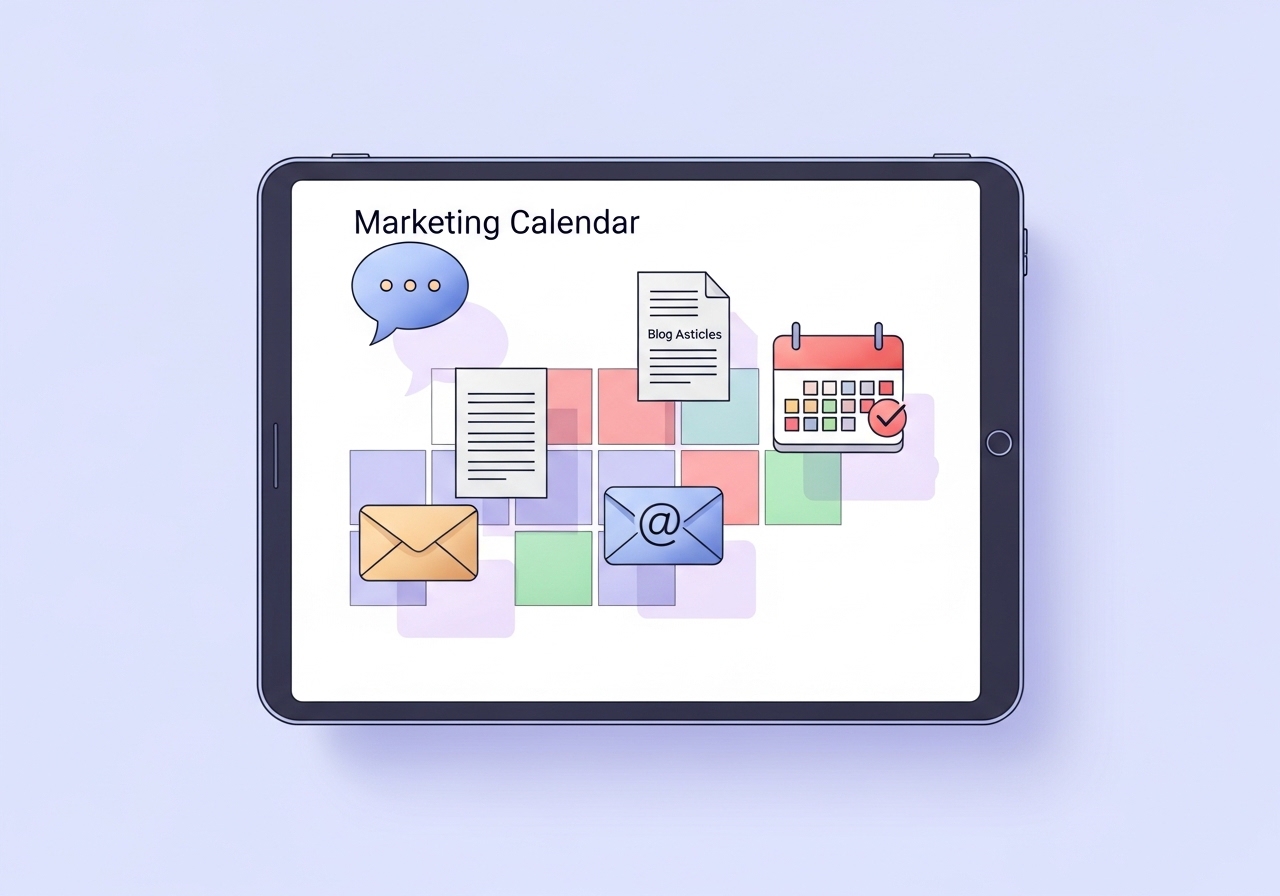
Here are the essential components to include:
- Campaign or Initiative: The high-level theme or goal of the activity (e.g., “Q4 Product Launch” or “Summer Sale Promotion”).
- Specific Content or Task: The individual deliverable, such as the title of a blog post, the theme of a webinar, or the copy for a social media update. Knowing what a blog post is and its purpose is a foundational step.
- Key Dates: Include the final publication or launch date as well as intermediate deadlines for drafts, designs, and approvals.
- Owner or Team: Clearly assign responsibility for each task to a specific person or team to ensure accountability.
- Target Audience: Define who the campaign or content piece is intended for. This helps keep messaging focused and relevant.
- Distribution Channels: Specify where the content will be published or promoted, such as the company blog, LinkedIn, an email newsletter, or paid search.
- Success Metrics (KPIs): Identify the key performance indicators you will use to measure success, like website traffic, lead generation, or conversion rate.
- Status: A simple status indicator (e.g., “Planned,” “In Progress,” “Completed”) provides a quick overview of where each project stands.
How to Create Your Marketing Calendar
Building a marketing calendar does not have to be a complicated process. By following a structured approach, you can create a functional and strategic tool that guides your team’s efforts throughout the year. The key is to start with your high-level goals and work your way down to individual tasks.
- Establish Your Marketing Goals: Before you schedule anything, you need to know what you want to achieve. According to the U.S. Chamber of Commerce, a calendar should be guided by your broader business objectives. Are you focused on generating leads, increasing brand awareness, or driving product sign-ups? Your goals will determine the types of campaigns and content you prioritize.
- Identify Key Dates and Company Milestones: Block out important dates on your calendar. This includes major holidays, industry conferences, seasonal trends, and internal events like product releases or company anniversaries. These dates often serve as natural anchors for your campaigns.
- Brainstorm Campaign Themes: Based on your goals and key dates, start outlining major campaign themes for each quarter or month. For example, a SaaS company might plan a campaign around a “Productivity Boost” theme in Q1 or a “Security Focus” theme in October for Cybersecurity Awareness Month.
- Flesh Out Content and Activities: For each campaign theme, detail the specific content and activities required. What blog posts will you write? What social media content will you create? Will you host a webinar or run a paid ad campaign? This is where you connect your strategy to tangible deliverables.
- Assign Roles and Set Deadlines: Assign an owner to every task in your calendar. Work backward from the final publication date to set realistic deadlines for each stage of the process, including writing, design, review, and scheduling.
- Choose a Tool and Populate Your Calendar: Select a format or tool that fits your team’s workflow. Once chosen, transfer all your planned activities, themes, and deadlines into the calendar. Schedule regular check-ins (e.g., weekly or bi-weekly) to review progress and make adjustments as needed.
Choosing the Right Format and Tools
The best format for your marketing calendar depends on your team’s size, complexity, and workflow. What works for a solo freelancer may not be suitable for a large agency. The goal is to choose a system that is accessible, easy to update, and provides a clear view of your marketing activities.
Spreadsheets (Google Sheets, Microsoft Excel)
For small teams or those just starting out, a simple spreadsheet is often enough. It’s highly flexible, universally accessible, and has no associated cost. You can create tabs for different months or campaigns and use columns to track the key components mentioned earlier. However, spreadsheets can become cumbersome as your team grows, and they lack the automated reminders and collaboration features of more advanced tools.
Project Management Software (Asana, Trello, Monday.com)
Tools like Asana, Trello, and Monday.com are excellent for managing complex marketing workflows. They offer calendar views, task assignments, automated notifications, and integrations with other apps. As noted by Monday.com, these platforms are ideal for integrating content planning with broader promotional activities. They make it easier to visualize dependencies between tasks and keep cross-functional teams aligned.
Specialized Calendar Tools (CoSchedule, Airtable)
Platforms like CoSchedule and Airtable are designed specifically for content and marketing teams. They often include features like social media scheduling, content approval workflows, and asset management directly within the calendar. These specialized tools can centralize your entire content operation, from ideation to publication and analysis, but they typically come with a higher price tag.
Automating Your Content Calendar with AI
Manually managing a marketing calendar can be a significant time investment. Researching keywords, brainstorming topics, writing content, and scheduling posts across multiple channels requires constant attention. This is where artificial intelligence can transform your process. Modern AI tools can automate many of the most time-consuming aspects of content creation and calendar management.

By understanding your brand, audience, and goals, AI writing and strategy tools can perform keyword research, generate a full content calendar, and even write and publish optimized blog posts automatically. This frees up your team to focus on higher-level strategy and creative work instead of getting bogged down in repetitive tasks. For agencies and SaaS companies looking to scale their content marketing efforts efficiently, AI-powered automation is a powerful solution.
A well-maintained marketing calendar is fundamental for any team that wants to execute a cohesive and effective marketing strategy. It provides the clarity, alignment, and foresight needed to achieve consistent growth. Whether you use a simple spreadsheet or an advanced AI-powered platform, the most important thing is to have a centralized plan that everyone on your team can follow. The best calendar is one that is used, reviewed, and adapted regularly to meet your evolving business goals.
Tired of manually building and managing your content calendar? Ascend automates your entire WordPress blog strategy. From keyword research and content creation to daily publishing, Ascend handles it all, so you can focus on growing your business. See how it works at Ascend.
Written by
Ascend
Ascend is an automated SEO engine for WordPress. It handles keyword research, writes high-quality, search-optimized content, and publishes it directly to your site, so your traffic can grow on autopilot. Learn more