A Step-by-Step Guide to Effective Multi Location SEO
For businesses with more than one physical location, attracting local customers can be a complex challenge. A strategy that works for one branch might not apply to another, and managing your online presence across different cities or regions requires a specific approach. This is where a strong multi location SEO strategy becomes essential. It’s a process of optimizing your digital footprint to ensure each of your locations appears prominently in local search results, connecting you with customers in their immediate area. This guide breaks down the process into actionable steps to help you improve visibility and drive foot traffic to all your locations.
Step 1: Start with Foundational Local Keyword Research
Before you can optimize your online properties, you need to understand what your potential customers are searching for in each specific location. A generic keyword list won’t be effective. Your research must account for regional differences, local landmarks, and specific service needs. For example, a customer in one neighborhood might search for “emergency plumber near downtown,” while another in a suburb might search for “24-hour plumbing services [suburb name].”
Start by brainstorming core services and combining them with location-based modifiers like city names, neighborhoods, and zip codes. Use tools like Google Keyword Planner to analyze search volume for these local terms. Pay attention to long-tail keywords, as they often indicate higher purchase intent. Analyzing the “People Also Ask” section in Google search results for your target terms can also reveal valuable insights into customer questions and needs specific to each area.
Step 2: Optimize Each Google Business Profile
Your Google Business Profile (GBP) is one of the most important assets in local SEO. For a multi-location business, it’s critical to create and manage a separate, fully optimized profile for every single location. Trying to manage all locations under one profile will confuse both Google and your customers.
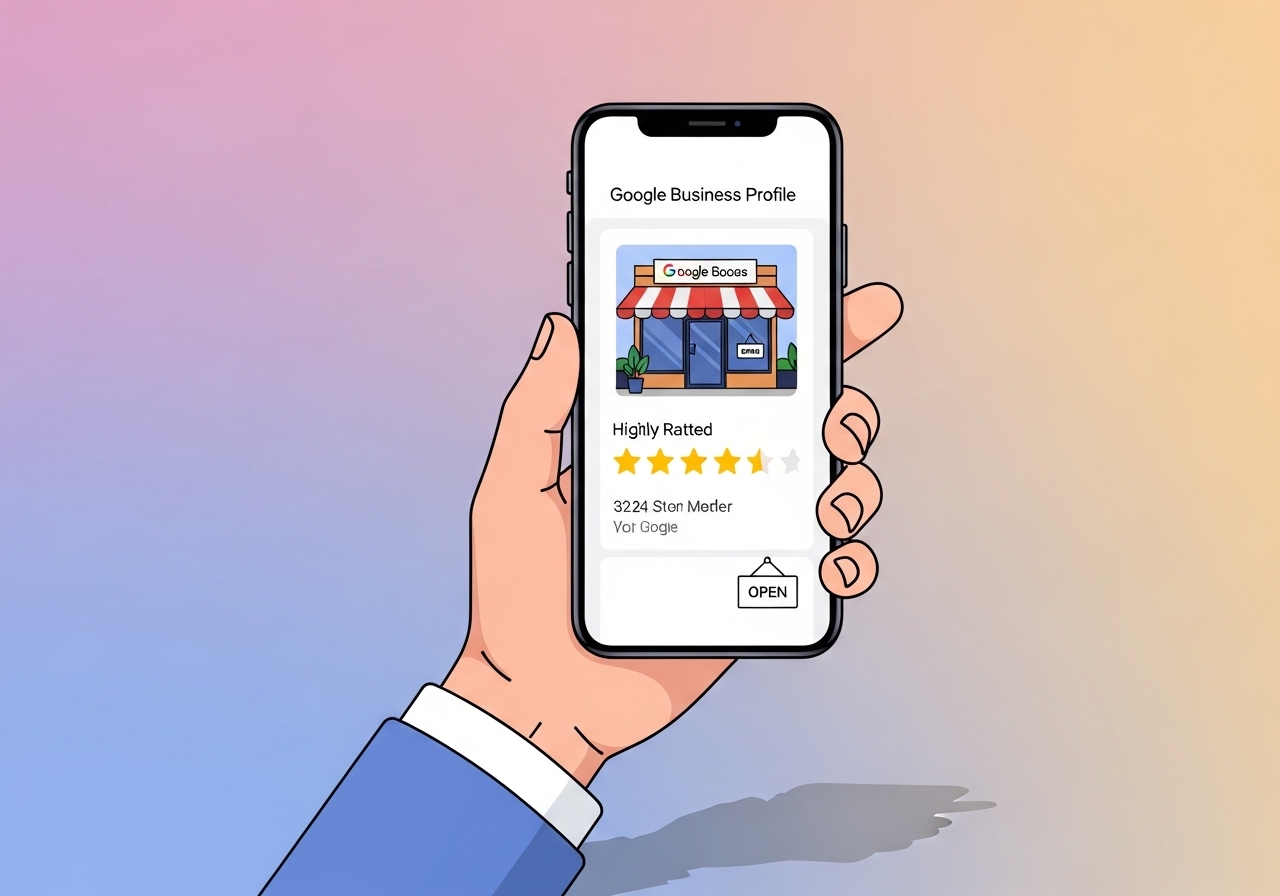
Consistency is key. Ensure the Name, Address, and Phone Number (NAP) are identical across your website, your GBP, and any other online directories. Beyond the basics, take the time to:
- Select the right categories: Choose primary and secondary categories that accurately describe what each specific location offers.
- Upload high-quality photos: Include images of the storefront, interior, products, and team members for each location. This helps customers recognize your business.
- Write a unique description: Briefly describe what makes that particular location special, mentioning local landmarks or community involvement.
- Use Google Posts: Regularly share updates, offers, and news specific to each location through Google Posts to keep your profiles active.
- Answer questions: Monitor and promptly answer questions submitted through the Q&A feature on each profile.
Step 3: Build Dedicated Pages for Each Location
A single “Locations” page with a list of addresses is not enough to rank well in local search. Each of your business locations needs its own dedicated page on your website. These pages act as authoritative sources of information for search engines and provide a better user experience for customers looking for location-specific details.
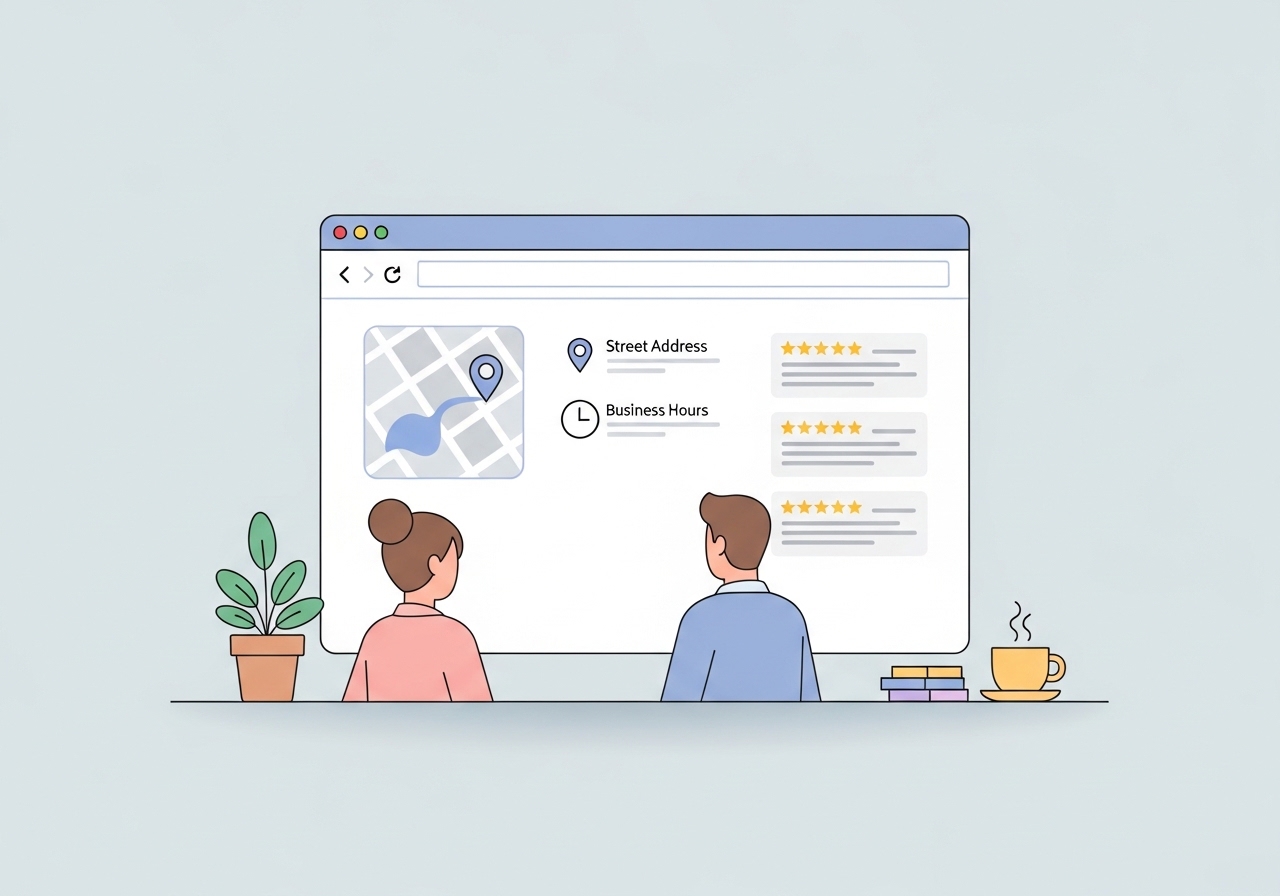
Each location page should contain unique content. If you’re using WordPress, you can create a WordPress duplicate page to use as a template, but be sure to customize the content for each new location. An effective location page includes:
- The full NAP (Name, Address, Phone Number) that matches the GBP.
- Business hours specific to that location.
- An embedded Google Map for easy directions.
- Unique descriptive text about the services offered at that branch.
- Testimonials or reviews from customers of that specific location.
- Photos and videos of the store and local team.
- Information about local promotions or events.
Optimize the page’s title tag, meta description, and URL to include both the city and the primary service or keyword (e.g., “www.yourbusiness.com/locations/brooklyn”).
Step 4: Acquire Local Citations and Backlinks
A citation is any online mention of your business’s name, address, and phone number. Consistent citations across reputable online directories signal to Google that your business information is accurate and trustworthy. For multi-location businesses, this means building citations for each individual branch.
Focus on getting listed in major data aggregators, industry-specific directories (like TripAdvisor for restaurants or Avvo for law firms), and local directories (like the local Chamber of Commerce). The process involves creating a systematic approach for how to build SEO citations and ensure consistency across every platform. In addition to citations, work on acquiring local backlinks. A link from another well-regarded local business, a news outlet covering your grand opening, or a blog about your community can significantly boost a specific location’s search authority.
Step 5: Encourage and Manage Location-Specific Reviews
Online reviews are a powerful ranking factor for local SEO. A steady stream of positive reviews for each of your locations sends strong trust signals to search engines. More importantly, it helps potential customers make a decision. Your goal should be to generate reviews on the Google Business Profile for each specific branch, not just your company’s main social media page.

Develop a process to ask customers for reviews after a purchase or service. This can be done through email follow-ups, SMS messages with a direct link, or even QR codes on receipts. It’s equally important to manage your reputation by responding to all reviews. Thank customers for positive feedback and address any concerns raised in negative reviews professionally. This engagement shows that you value customer feedback.
Step 6: Implement Local Business Schema Markup
Schema markup is a type of code you add to your website to help search engines better understand the information on your pages. For multi-location SEO, implementing `LocalBusiness` schema on each location page is highly beneficial. This structured data explicitly tells Google details like your address, phone number, opening hours, and geographic coordinates.
By providing this information in a machine-readable format, you increase the chances that Google will display it as a rich snippet in search results. This can make your listing more prominent and informative, potentially increasing your click-through rate. You don’t need to be a developer to implement it. Tools like Google’s Structured Data Markup Helper can guide you through the process of generating the necessary code to add to your location pages.
Executing a successful multi location SEO strategy requires diligence and a location-centric mindset. By treating each branch as its own unique entity with its own audience, keywords, and reputation, you can build a powerful online presence that drives real-world results. The key is to maintain consistency in your branding and information while tailoring your content and optimization efforts to each local market. By following these steps, you can create a scalable process to improve search visibility for every one of your locations.
Managing SEO content for one location is a full-time job. Doing it for ten, fifty, or a hundred can feel impossible. Ascend automates your entire content strategy, from keyword research to daily publishing, directly within your WordPress dashboard. Free up your team to focus on growth while our AI builds your organic traffic with high-quality, on-brand blog content for every market you serve. Discover how Ascend makes scaling your content effortless.
Written by
Ascend
Ascend is an automated SEO engine for WordPress. It handles keyword research, writes high-quality, search-optimized content, and publishes it directly to your site, so your traffic can grow on autopilot. Learn more